Pinterest Content Batching: Plan a Week of Pins in One Focused Session
THE PINTEREST EDIT / CONTENT WORKFLOW
One focused session. A collection of useful invitations.
━━━━━━━━━━
What is Pinterest content batching?
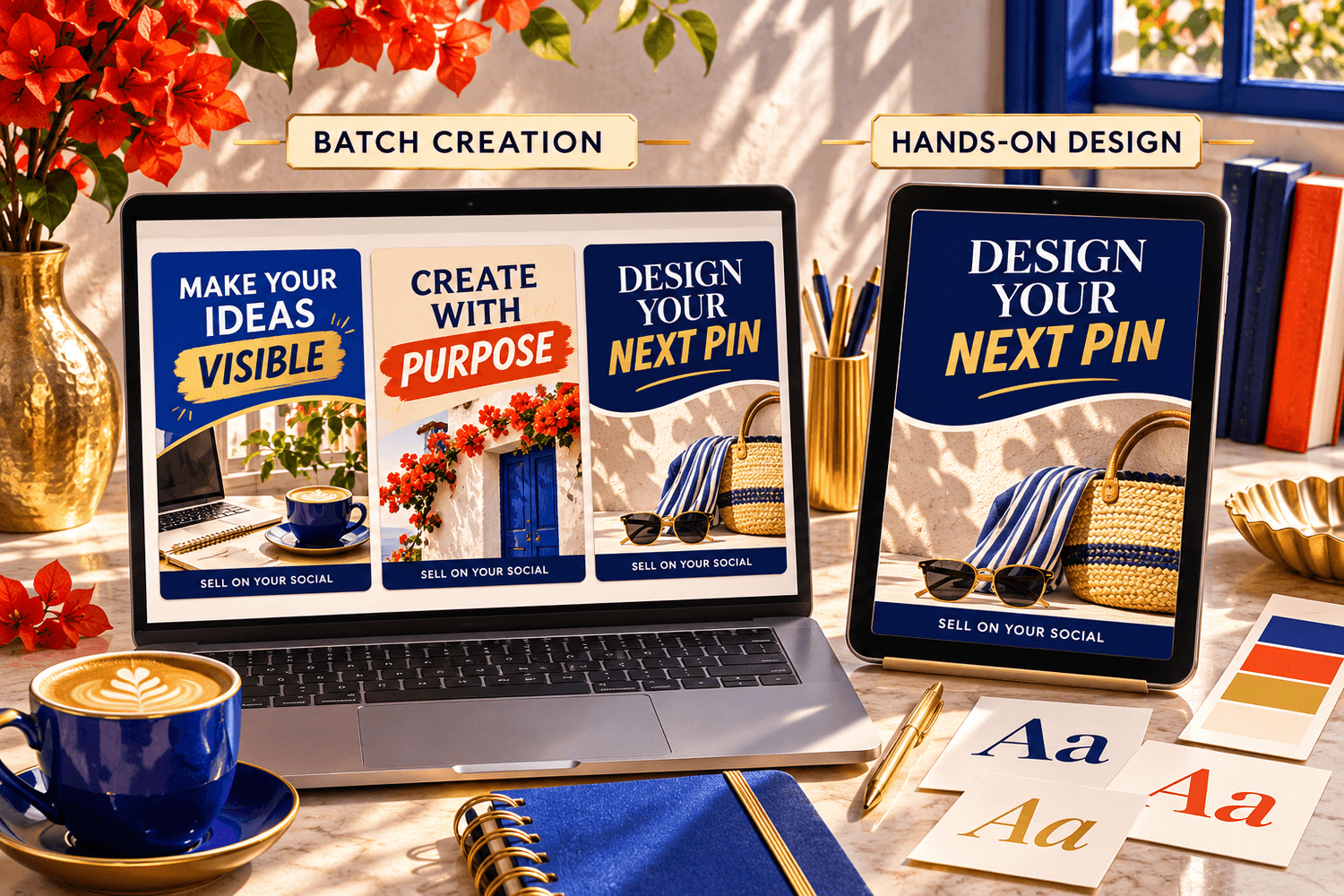
Pinterest content batching means grouping similar tasks into one planned session: selecting pages, drafting pin angles, creating designs and preparing publication. It helps you build a repeatable workflow and makes it easier to review a complete set of pins before they go live.
Instead of starting with a blank design every time, you start with a small collection of useful content and a clear plan for what you want to create.
Prepare your links first
Choose two or three pages you want to promote. For each, note the audience, the main question and the next step. Open the pages and check that the information and links are current.
A beginner tutorial, a practical checklist and a tool walkthrough could make a useful first batch. Each page should have a distinct purpose, even when all three support the same business.
Write the angles before the designs
Give each page two or three accurate headlines. For a pin design tutorial, try a readability angle, a layout angle and a beginner checklist. This gives your design work a clear direction.
Keep a simple record of the URL and headline. You can use a document, a spreadsheet or a link-tracking tool. The best system is the one you can quickly update and understand next week.
Use a flexible time box
As a sample planning session, spend ten minutes selecting content, fifteen drafting angles, twenty creating and reviewing designs, and fifteen checking links and preparing the queue. These are planning estimates, not a promise of output.
Your first session may take longer as you choose colours and learn the tool. After that, you have reusable decisions instead of starting over.
Create and review in separate passes
First generate your design options. Then switch into review mode and ask: is the headline readable, is the promise accurate and does the link lead to the right place?
Remove repeated or nearly identical ideas.
Correct spelling and awkward line breaks.
Check that every image fits the subject.
Confirm the right board and publishing time.
Separating creation from checking makes it easier to notice details. Review a small batch well before increasing the volume.
Bring the workflow into PinStudio AI
PinStudio AI combines URL-based pin creation with suggested titles, descriptions and keywords. Its scheduler and link tracker can help you organise the approved assets around your chosen rhythm.
Use your content notes to guide the output. A tool can generate options quickly; your review turns those options into a campaign that fits your business.
Leave space to learn
A prepared queue gives you time to examine results. At your next session, look for topics and angles that brought relevant visitors. Use those observations to choose the next batch, while keeping useful variety in your content.
Your next step
Pick three URLs and write two pin ideas for each. Then explore PinStudio AI to create and organise your first batch. Adjust the size of the next session based on what you can comfortably review.
Quick answer: How many pins should a batch contain?
Choose a batch size that matches your content library and review time. Start small enough to check every design and link, then expand when the process feels reliable.
━━━━━━━━━━
CONTINUE YOUR PINTEREST JOURNEY
→ Pinterest Scheduler: Build a Posting Routine You Can Actually Keep
→ How to Create Pinterest Pins With AI: From One Blog Post to a Campaign
Your next Pinterest idea.
Join Rupi’s newsletter for practical marketing inspiration.
MEET RUPI
Clear ideas. Creative marketing. Practical Pinterest guides from Rupi Donzenac at Sell On Your Social.
© Sell On Your Social · Privacy & refund policy · Disclaimers