Pinterest Pin Design: Make Your Message Stand Out at a Glance
THE PINTEREST EDIT / DESIGN NOTES
One clear promise. A design that makes it easy to see.
━━━━━━━━━━
What makes a good Pinterest pin design?
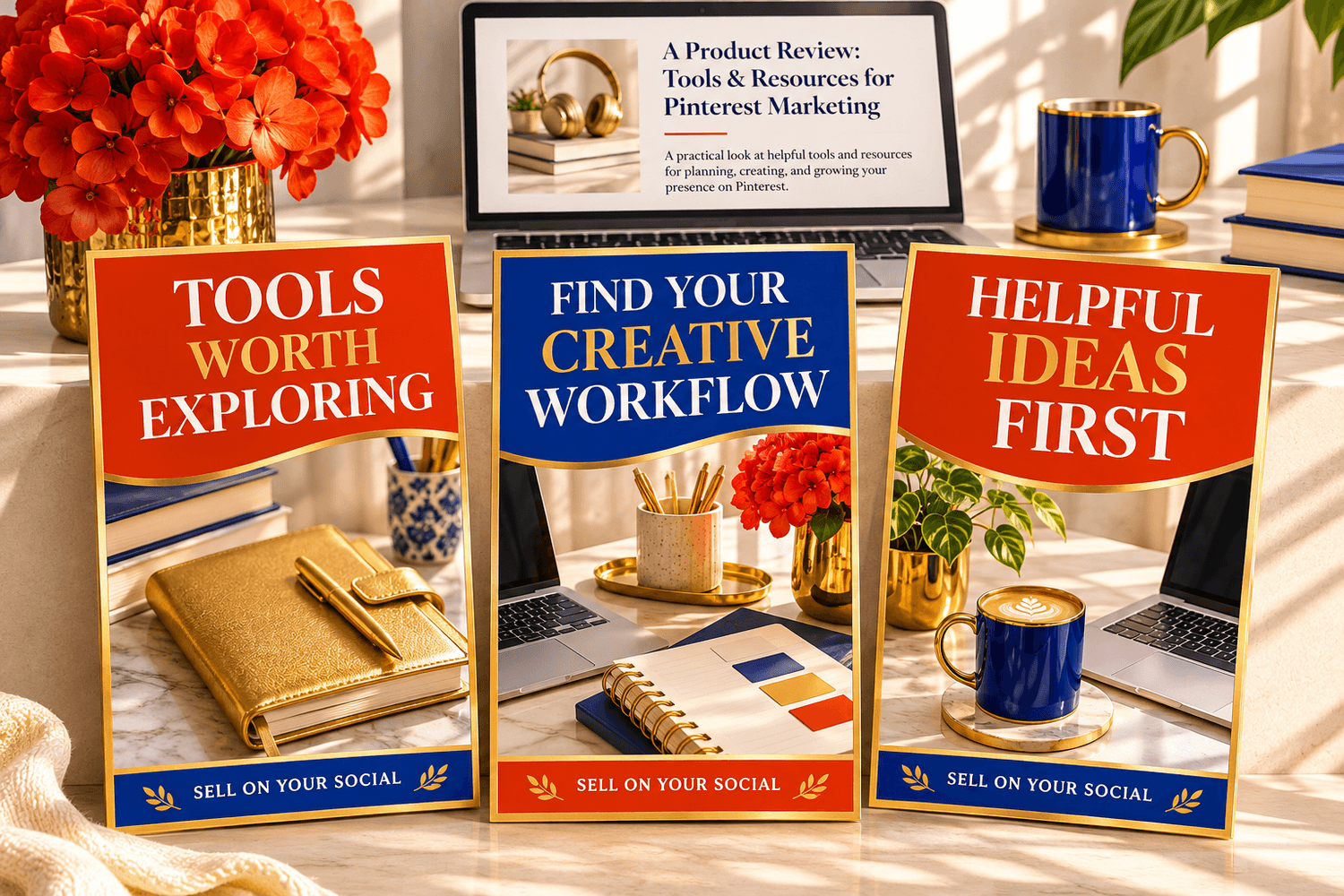
A good Pinterest pin design makes its subject and benefit easy to understand at a glance. Use a vertical layout, readable text, relevant imagery and one clear promise. The design should help people decide whether the linked page answers their question.
You can love a colour palette and still find the finished pin hard to read on a phone. The useful question is simple: can someone understand the idea before they scroll past?
Start with the headline
Write the main message before choosing decorative details. A headline such as “A Simple Pinterest Plan for New Bloggers” gives both the audience and the topic. “This Changes Everything” creates curiosity but gives very little context.
Try reading the headline out loud. If it takes several breaths, shorten it. Put extra explanation in the pin description and the article itself.
Make the important words easiest to see
Your main headline should be the strongest visual element. A small label can add context, and a discreet brand name can help people recognise your content. Give each element enough space.
For a guide to planning pins, emphasise “Pinterest Content Plan”. Keep supporting text smaller. Choose contrast that stays readable on the background, including over photographs.
Choose a useful format
Pinterest recommends a 2:3 aspect ratio, such as 1000 by 1500 pixels, for standard image creative. Treat that as a practical starting point. Check the current specifications for other formats and preview how your image looks before publishing.
Keep important words away from crowded edges. A clean export and a quick mobile-sized preview can reveal awkward line breaks or text that has become too small.
Let the image support the topic
A planning article might use a simple calendar or a relevant workspace image. A product tutorial might show the actual tool or result. Choose visuals that help readers understand the page rather than merely fill the background.
Use images you have permission to use, and keep product representations accurate. If you include a screenshot, make the important part visible enough to be useful.
Test one creative decision at a time
Make two versions with the same promise but different layouts, or keep the layout and test a different headline angle. A more controlled comparison helps you understand what may be contributing to clicks.
Record the article URL, pin angle and design. Compare results over a similar period, while remembering that distribution and audience differences can affect the outcome.
Build variations with PinStudio AI
PinStudio AI helps generate branded designs and suggested copy from your content. Use it to explore several layouts, then select the versions with the clearest message. You can edit the text before downloading or scheduling.
The most useful output is a design you have reviewed against your page. A strong visual and an accurate promise work together.
Your next step
Take one existing pin and check its headline, contrast and destination. Then explore PinStudio AI to create a fresh set of clear, on-brand designs.
Quick answer: Does a beautiful pin guarantee clicks?
No. Design helps people notice and understand the idea. Relevant topics, useful promises and the audience’s interest also shape whether they click.
Reference: Pinterest: image creative specifications.
━━━━━━━━━━
CONTINUE YOUR PINTEREST JOURNEY
→ How to Create Pinterest Pins With AI: From One Blog Post to a Campaign
→ Pinterest Marketing for Beginners: Turn Your Ideas Into Click-Worthy Pins
Your next Pinterest idea.
Join Rupi’s newsletter for practical marketing inspiration.
MEET RUPI
Clear ideas. Creative marketing. Practical Pinterest guides from Rupi Donzenac at Sell On Your Social.
© Sell On Your Social · Privacy & refund policy · Disclaimers